
Reference for the configurable options available on the Glassix agent widget
This document outlines the available options for configuring and styling the Glassix agent widget and serves as a reference for developers integrating or maintaining the widget across our products.
Overview
Options let you customize how the agent widget behaves and looks. You add them to the widgetOptions object in your installation script, before you paste it onto your site. For a step-by-step walkthrough of how this fits into the installation process, see the Installation guide.
var widgetOptions = {
     departments: ["departments ids you want to sign into"],
     userName: "your-user-name",
     snippetId: "your-snippet-id",
     // Add any of the options below here
     width: "900px",
     position: "right"
};
The options are grouped into two categories:
- Configuration: controls which agent signs in, which departments they're signed into, and the server the widget connects to.
- Design: controls the widget's size and its position on the page.
Unlike the chat widget, the agent widget's design isn't configured per snippet in the Glassix dashboard. Everything below is set in the
widgetOptionsobject in the script itself.
Configuration
These options control which agent signs in, which departments they're signed into, and the server the widget connects to.
| Name | Type | Description | Default |
|---|---|---|---|
departments | Array[string] | List of department IDs to log into. | [] |
userName | string | The specific agent's email. | |
snippetId | string | Use it if you have more than one script configured for your department. | |
baseUri | string | Glassix dedicated server URL. | https://app.glassix.com |
userNameis hardcoded in the default install script. To sign in different agents dynamically, override this value with JavaScript before the widget initializes. See Customizing the Username in the Installation guide.
Design
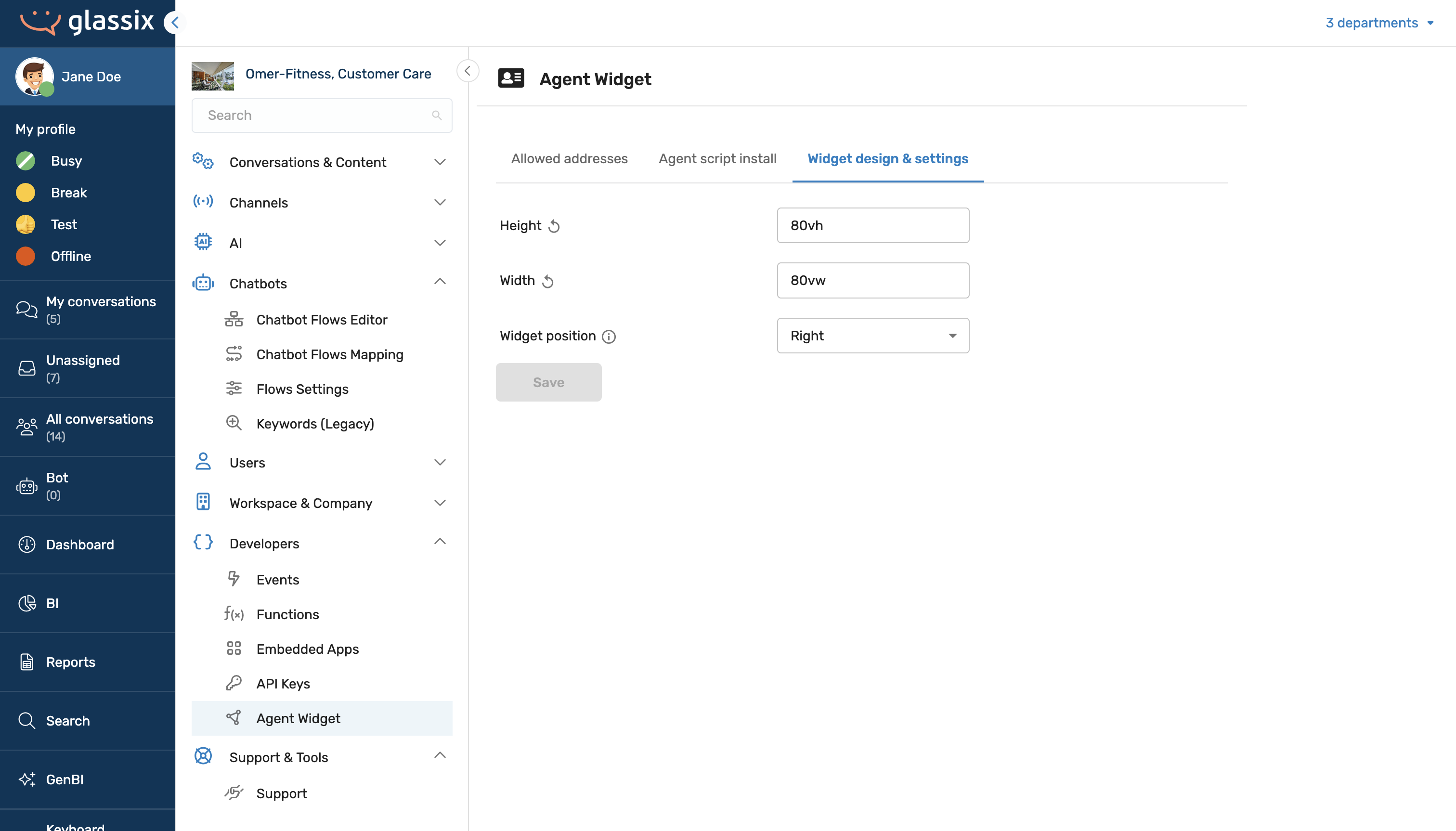
These options control the widget's size and its placement on the page. Values are standard CSS values unless noted otherwise.
| Name | Type | Value | Default |
|---|---|---|---|
width | string | Valid CSS value | 900px |
height | string | Valid CSS value | 550px |
widget position | string | left, right | right |
The Design options apply to the widget Glassix injects into your page. They don't apply if you're embedding the widget in your own iframe, size and position that iframe with your own HTML/CSS instead. See the iFrame section of the Installation guide.
Methods
To control the widget after it has loaded, for example, to log the current agent out or open a specific ticket, see Methods.